Step 1 of 6
Accept the terms
The very first screen after your first login. Nothing else opens until you get past it.
Have this ready
- Your Zinzino login, from the welcome email
Watch out
The Accept Terms button gives no sign that it is ready. Tick both boxes and press it anyway.
- 1Log in at zinzino.com with the details from your welcome email.
- 2Open General Terms and Conditions and read them. That is your partner contract.
- 3Tick both boxes: the terms, and the privacy policy.
- 4Press Accept Terms.
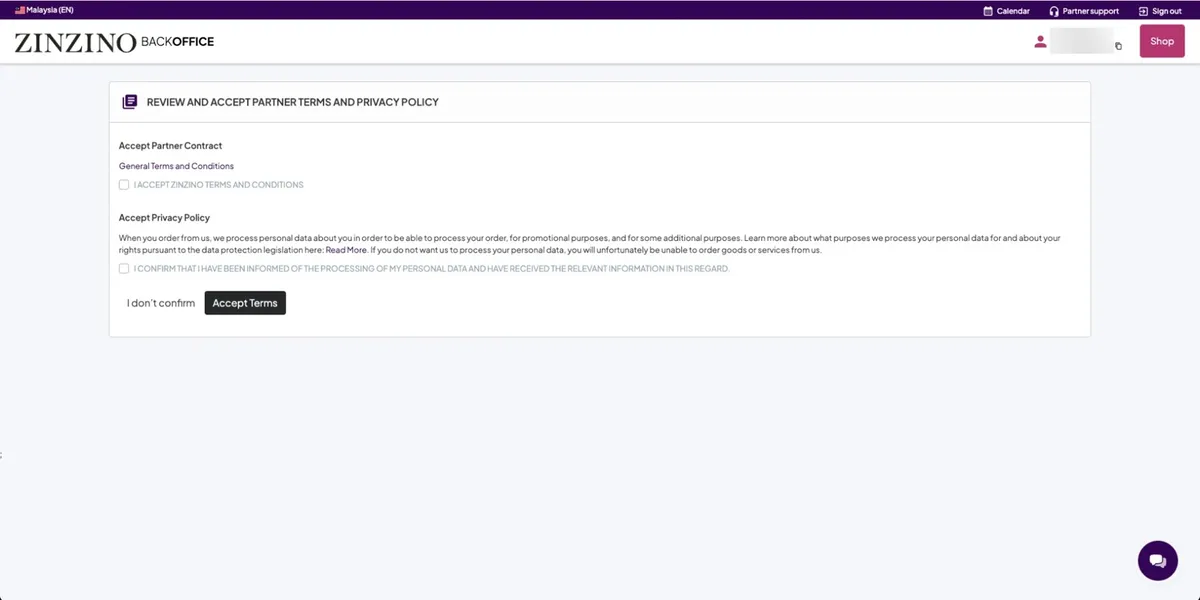
Your partner ID sits top right, next to your name, with a small copy icon. Support, your sponsor and the BalanceTest site will all ask for it. Copy it somewhere safe now.
You’re done when…
You land on your profile page instead of the terms.
For sponsors
Have them share their screen for this one. It takes a minute, and it is the moment they see their own partner ID for the first time.